
AI, Graphic Design, Small Business
Claude Design for Small Business: Keep AI Marketing on Brand
Oct
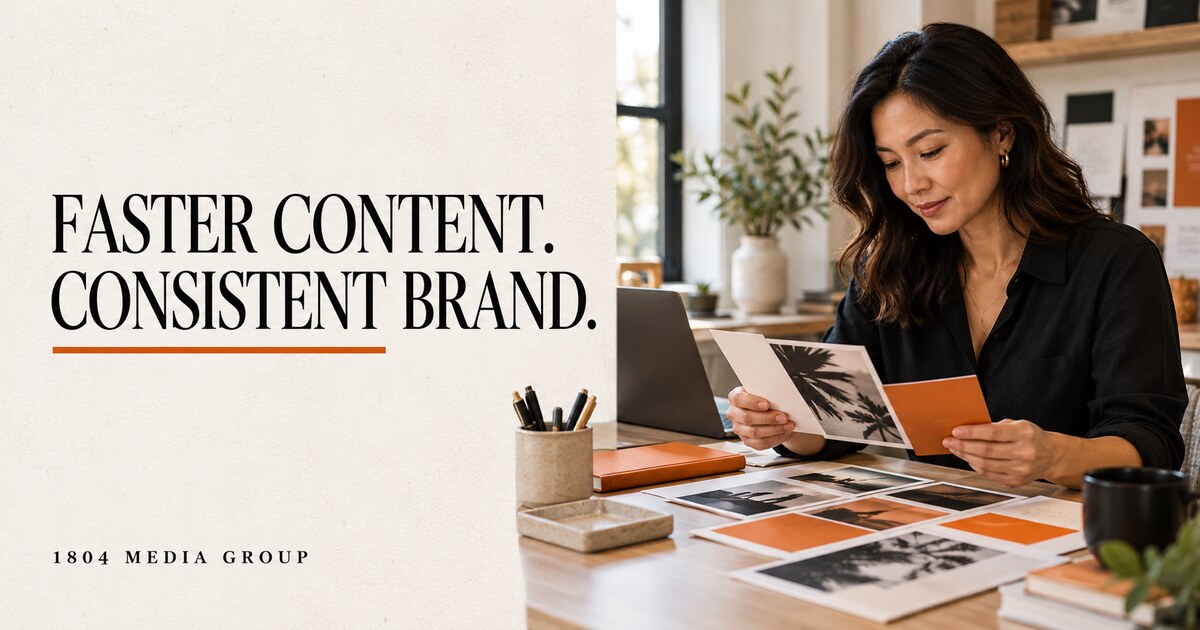
Your flyer looks polished. Your next social post uses different colors. Your proposal introduces a third set of fonts. Each piece works on its own, but your business looks different everywhere customers find you.
AI speeds up production. Without clear brand instructions, it also gives you more material to correct.
Recent Claude Design coverage offers a useful reason to revisit your process. Start by defining how your business should look, then use those rules to produce and review your next marketing piece.
What Is Current About Claude Design?
Anthropic launched Claude Design on April 17, 2026. The current help guide describes Design as an artifact template available within conversations, the Artifacts tab, and Claude Code. The standalone design experience remains available. It supports visual work such as one-pagers and interactive prototypes. [1][2]
On October 6, Social Media Examiner published a walkthrough with Jeff Sieh, tied to its AI Explored podcast and YouTube interview. The discussion focuses on reusable brand instructions and practical visual workflows. This is fresh coverage of an existing product, rather than a new launch. [3]
For a small business, the useful question is simple: Will this process reduce the corrections required before a piece is ready for customers?
Write Down Your Brand Rules First
Before generating another layout, gather your approved logo, exact colors, fonts, and two examples of work you want to repeat. Add one example you dislike and explain why.
A basic brand guide should answer these questions:
- Which logo file is approved, and how much space belongs around it?
- Which colors belong in backgrounds, headlines, and buttons?
- Which fonts belong in headings and body text?
- Should photography feel candid, formal, or product focused?
- Which writing habits should the business avoid?
- What action should the reader take after viewing the piece?
Include practical limits. For example: no extra slogans, no decorative icons unrelated to the message, and no text placed against busy photographs.
These instructions belong in a shared reference your team updates when the brand changes.
Test One Customer-Facing Piece
Choose a document you already use. A service overview is a useful first test because it contains information your customers need before contacting you.
For example, a cleaning business might prepare a one-page overview explaining its standard service, optional extras, booking process, and contact details. Supply approved wording and real photographs instead of asking the tool to invent them.
Try this brief:
“Create a one-page service overview using the attached brand guide and approved copy. Audience: first-time customers comparing providers. Make the service scope easy to scan. Place the booking instruction prominently. Keep the logo unchanged. Do not invent prices, reviews, guarantees, certifications, or service details. Identify missing information before proceeding.”
This is a suggested test brief, not a report of measured results.
Review the Draft Like a Customer
Open the result on your phone. Check whether the service, main benefit, and next step are clear without enlarging the page.
Then check the operational details. Does the booking link work? Is the phone number correct? Does the service description match what your team delivers?
For printed materials, ask your printer for its required dimensions, bleed, image resolution, and color settings. A document looking good on screen does not establish print readiness.
Save the Approved Example
After reviewing the first piece, keep the approved copy, source assets, final export, and revision notes together. Use them as the reference for your next piece.
For example, adapt the same service overview into a social graphic with one benefit and one next step. Keep the fonts, photography approach, and logo treatment consistent. Change the layout to suit the format.
Measure Editing Time Before Adding More Automation
Record the time spent preparing the brief, reviewing the draft, correcting it, and exporting the final version. Compare the total with your previous process.
Also record errors such as altered logos, incorrect contact details, or missing service information. A faster first draft has limited value if corrections consume the rest of your afternoon.
If the first test reduces total preparation time while meeting your standards, repeat it with a second piece. If corrections remain heavy, improve the brand guide and source material first.
Check Access and Usage Before Committing
Anthropic currently lists Claude Design in beta for Pro, Max, Team, and Enterprise plans. Design activity shares the plan’s Claude usage limits. Enterprise availability depends on administrative settings. Check your account’s current access and allowance before committing to a deadline. [2]
Start With Your Next Service Overview
Gather your logo, colors, fonts, approved wording, and two reference designs. Test one service overview and measure the total editing time.
Your goal is a repeatable process producing accurate materials your business is ready to share.
About the Author
Max Bonhomme is the owner of 1804 Media Group. He has 15 years of experience in marketing, branding, website development, and business technology, with a professional focus on customer communication, CRM systems, and workflow automation.
This article provides general business guidance. Review generated materials for accuracy, accessibility, brand standards, and production requirements before publishing or printing. Product features and usage terms reflect the sources reviewed on October 7, 2026.
Sources
[1] Anthropic, Introducing Claude Design by Anthropic Labs, April 17, 2026.https://www.anthropic.com/news/claude-design-anthropic-labs [2] Claude Help Center, Get started with Claude Design, reviewed October 7, 2026.
https://support.claude.com/en/articles/14604416-get-started-with-claude-design [3] Social Media Examiner, Claude Design: How to Create On-Brand Visuals With AI, October 6, 2026. Includes AI Explored podcast show notes and the embedded YouTube interview. The article and interview represent the same source conversation.
https://www.socialmediaexaminer.com/claude-design-how-to-create-on-brand-visuals-with-ai/
https://www.youtube.com/watch?v=hCkd1h9Txl8
Additional primary-source background: Anthropic, Getting Started with Claude Design, September 3, 2026.
https://claude.com/resources/webinars/getting-started-with-claude-design
